How to Troubleshoot Common NC Servo Feeder Feed Errors?
- Share
- publisher
- David Park - Senior Stamping Engineer, FANTY Machinery
- Issue Time
- Aug 10,2026
Summary
A practical troubleshooting guide for common NC servo feeder feed errors, covering error codes, mechanical and electrical checks, and a ten-minute diagnostic sequence.
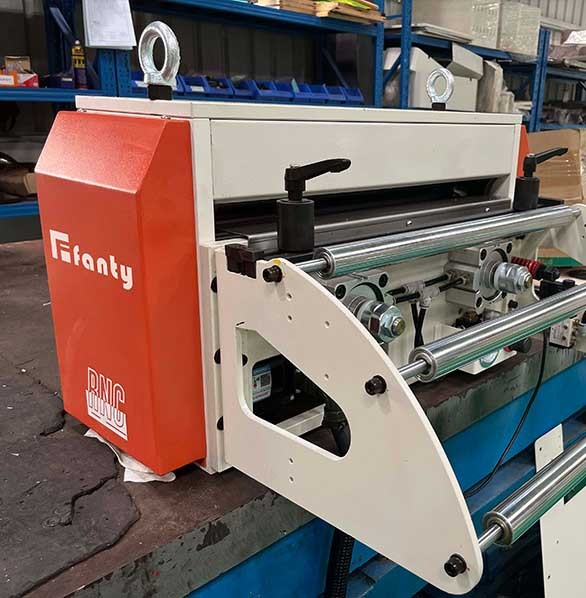
When an NC servo feeder starts producing short feeds, long feeds or erratic pitches, the stamping line stops making good parts and starts making scrap.
The good news is that most feed errors follow a small set of predictable patterns, and an operator who knows where to look can clear the majority of them in minutes without calling a service engineer.
This troubleshooting guide covers the mechanical, electrical and control checks that resolve the most common NC servo feeder failures, with the diagnostic logic that professional service teams use to separate a real machine fault from a setup problem.
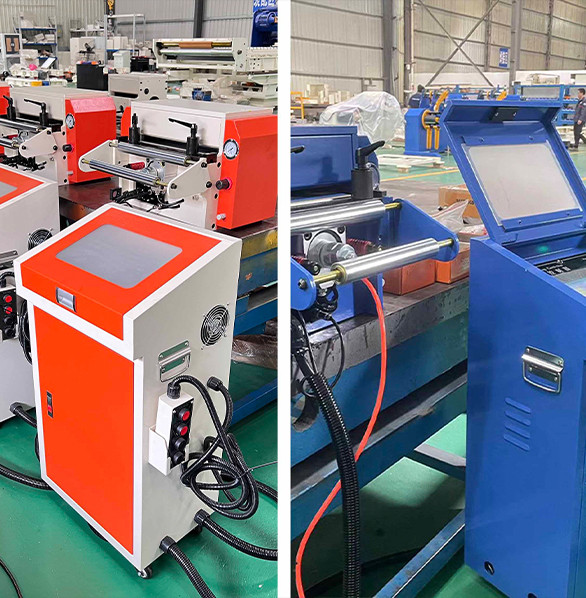
Start with the Error Code and the Symptom
Modern NC servo feeder controls record error history, and the display message is your first clue. Codes like position deviation, encoder alarm, over-torque and communication fault each point to a different subsystem.
If no code is stored, fall back to the symptom. Short feeds that happen randomly usually mean gripper slip or a mechanical backlash problem. Feeds that are consistently short or long by the same amount point to a calibration or pitch unit error.
Erratic pitch with no clear pattern often traces to encoder noise or a loose coupling. Classifying the symptom before touching the machine prevents the classic mistake of replacing parts that were never faulty.
The Five Most Common Feed Errors
These five problems account for the large majority of feeder faults seen on stamping lines, including the 200-plus integrated lines FANTY supports worldwide:
| Symptom | Typical Root Cause | Fastest Check | Common Fix |
|---|---|---|---|
| Random short feeds | Gripper pads worn or oily strip | Inspect pad surface and strip lubrication | Replace pads; adjust gripper pressure |
| Constant short or long pitch | Calibration or unit setting error | Run a calibration feed and verify length | Re-calibrate pulse per millimeter |
| Erratic pitch at high speed | Encoder coupling loose or backlash | Check coupling screws and belt tension | Tighten coupling; replace worn belt |
| Position deviation alarm | Servo overload or mechanical jam | Check torque reading and strip path | Clear jam; increase torque limit within spec |
| Feeder ignores press signal | Signal wiring or synchronization setting | Verify signal voltage at the terminal | Re-terminate; check synchronization mode |
Notice how often the cause is simple: a worn pad, a loose screw or a lubrication change. The servo motor itself is rarely the failure. That is why the first ten minutes of any troubleshooting session should be spent on the inexpensive, inspectable items before anyone talks about replacing the drive.
Mechanical Checks: The Drive Train
The drive train is where backlash and slip hide. Start with the gripper: remove the strip and inspect the gripper pad surface for glazing or uneven wear. Oily or dusty strip coats the pads over time, turning a gripper that once held firmly into a slipping one at high speed.
Next, check the coupling between the servo motor and the feed roll shaft. A coupling that is even slightly loose introduces random angular play that shows up as erratic pitch at speed. If the feeder uses a toothed belt, inspect it for worn teeth and re-tension it to specification.
Finally, rotate the feed rolls by hand with the machine off: they should turn smoothly with a small, even resistance. Any notchiness indicates bearing damage that will degrade feed quality long before it produces an alarm.
Electrical and Control Checks
If the mechanics are sound, move to the electrical side. Check the encoder cable and its connectors for damage, loose pins or contamination, because encoder signals are the feedback that closes the loop on an NC servo feeder.
Verify the press synchronization signal while you are there. Measure the signal voltage at the feeder terminal during a slow hand jog of the press: it should switch cleanly between the expected states.
Intermittent contact in a relay or a floating ground produces exactly the kind of occasional missed feeds that look like a feeder fault. Also confirm the line voltage at the drive matches the machine rating, especially on shared shop power where a sagging feed bus can trigger position deviation alarms at peak current.
One detail operators often miss is the cable routing. Encoder cables running next to motor power cables pick up electrical noise that corrupts the feedback signal, producing intermittent errors that disappear when the panel door is opened.
Keep encoder and signal cables separated from power cables, use the original shielded cables, and replace any cable with a crushed or pinched jacket rather than taping it. These simple wiring habits prevent a whole family of ghost faults that appear randomly and vanish when a technician arrives.
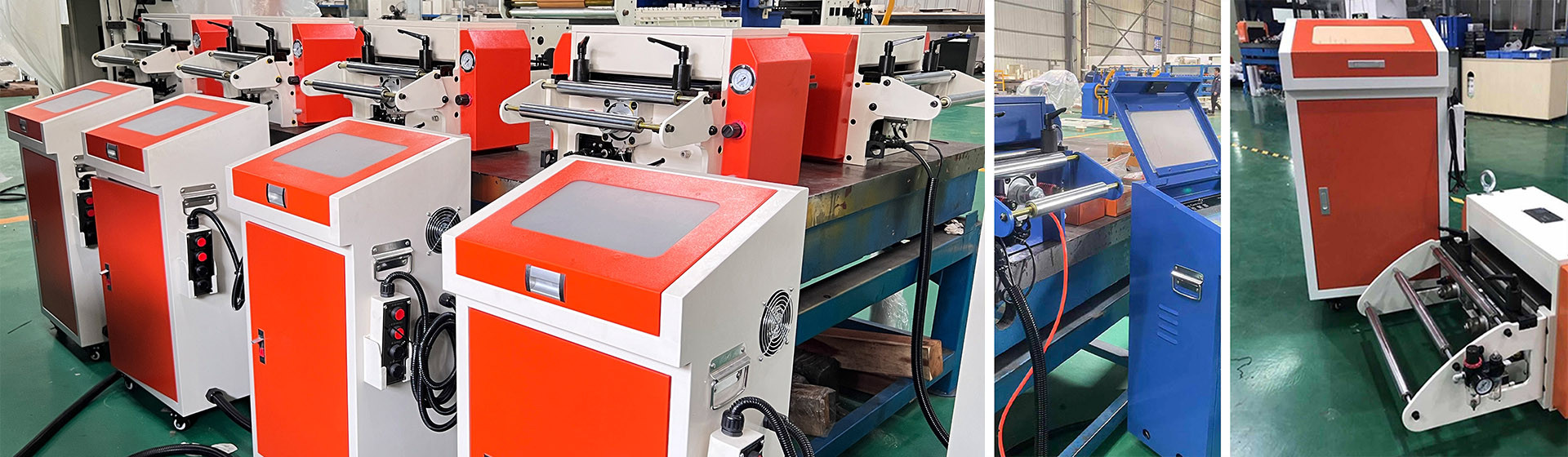
A Ten-Minute Troubleshooting Sequence
- Record the error code and the operating condition before touching anything; the condition is half the diagnosis.
- Inspect gripper pads and strip lubrication; cleaning the pads solves a surprising share of random short feeds.
- Check the coupling and belt for looseness, wear and correct tension.
- Verify encoder connection and signal quality; a loose pin here mimics every other fault.
- Run a calibration feed and compare measured length with commanded length; a fixed offset means re-calibration.
- Check press synchronization and power supply only after the above, since these are rarely the root cause.
If the sequence clears the fault, note the cause in the maintenance log. Repeat faults of the same kind point to a worn component reaching end of life, and replacing it preventively during the next scheduled downtime is cheaper than a mid-shift failure. If the fault persists after all six checks, contact the machine builder with the error code and the results of each check; a supplier like FANTY with remote diagnostics support can usually identify the failing subsystem from that information alone.
Frequently Asked Questions
Why does my NC servo feeder feed short only at high speed?
Short feeds that appear only at speed almost always come from gripper slip or mechanical backlash. At low speed the gripper holds, but at high speed the inertia of the strip overcomes the grip. Inspect the gripper pads, strip lubrication and the coupling between motor and feed roll first; the servo itself is usually innocent.
Should I replace the servo drive when I get a position deviation alarm?
Not yet. A position deviation alarm means the axis could not reach its target, which is often a mechanical jam, an overloaded strip path or a sagging power supply rather than a failed drive. Clear the mechanical path, verify torque readings and check line voltage before concluding the drive is faulty.
Replacing drives unnecessarily is one of the most expensive habits in feeder maintenance.
How often should the feeder be re-calibrated?
After any maintenance that touches the feed roll, gripper or coupling, and at least once per year as preventive practice. Re-calibration is also the right response when every feed is off by the same amount. It takes minutes on a modern NC servo feeder with a stored calibration routine and removes a whole class of errors from consideration.
Can I fix a feed error without stopping the press?
Never attempt repairs with the line running. Feed errors can jam the strip, overload the die and create serious safety hazards. Stop the line, lock out the machine according to your plant procedure, then run the troubleshooting sequence. A few minutes of downtime is always cheaper than a damaged die or an injured operator.
Related reading
- which part limits feeding accuracy
- what feeding accuracy to expect
- how to hold feed accuracy on a coil line
Part of the the coil line guide library — the full library of coil handling, straightening and feeding guides from FANTY.
Need Help with a Stubborn Feed Error?
Send us the error code, the operating condition and your machine model, and our service engineers will guide you through the fix with remote diagnostics support.
Contact Our Service TeamFanty · NC Straightener Feeder
Pitch, Pass Line and Roll Pressure, Sorted Before You Order
Tell us your press stroke rate and feed length. Our engineers match servo feed power, straightener roll geometry and loop control to your actual cycle time.
Get a Free QuoteFANTY Machinery · 13 years on stamping automation · 2,000+ coil lines installed · engineers reply within 24 hours